What it does
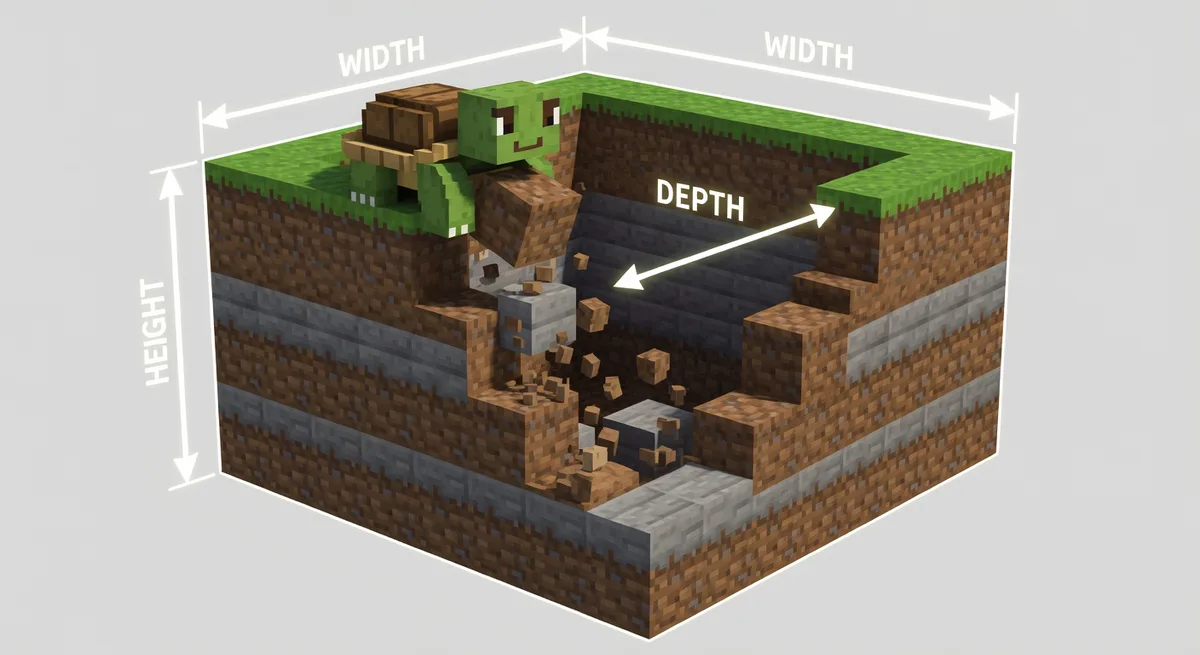
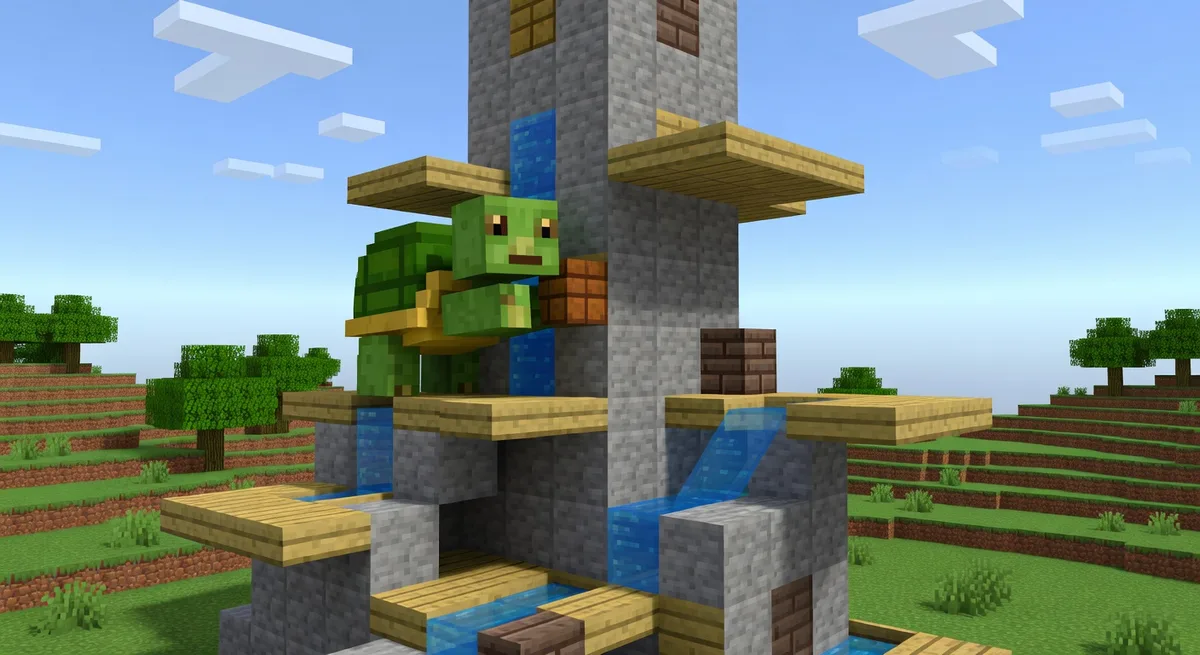
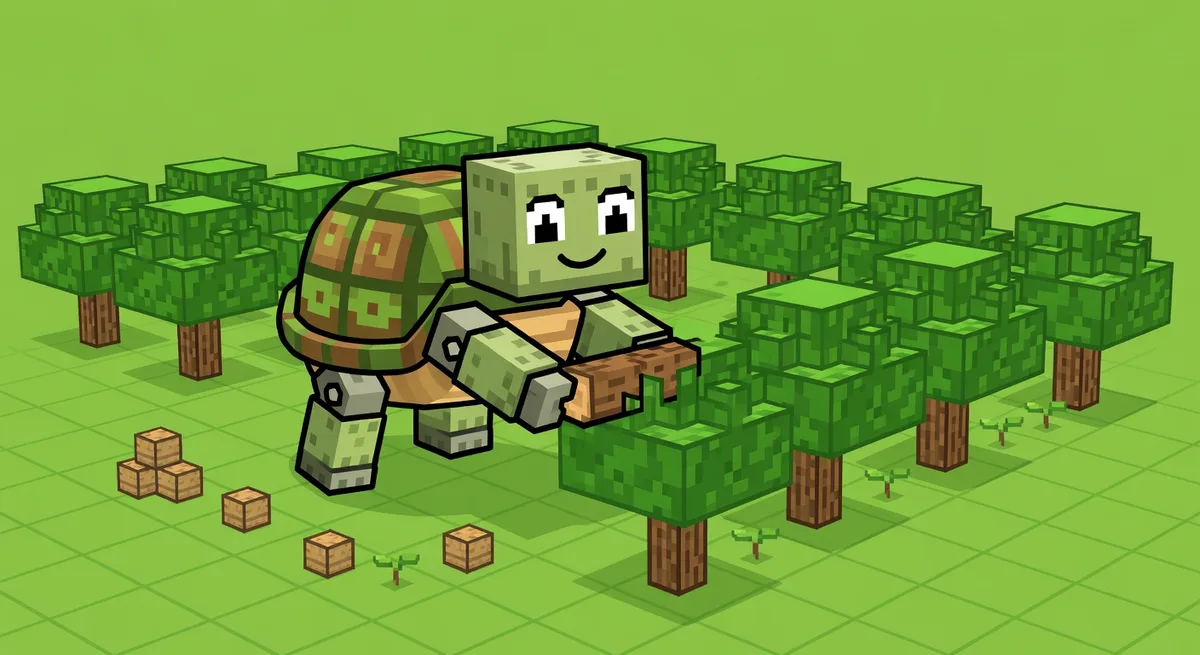
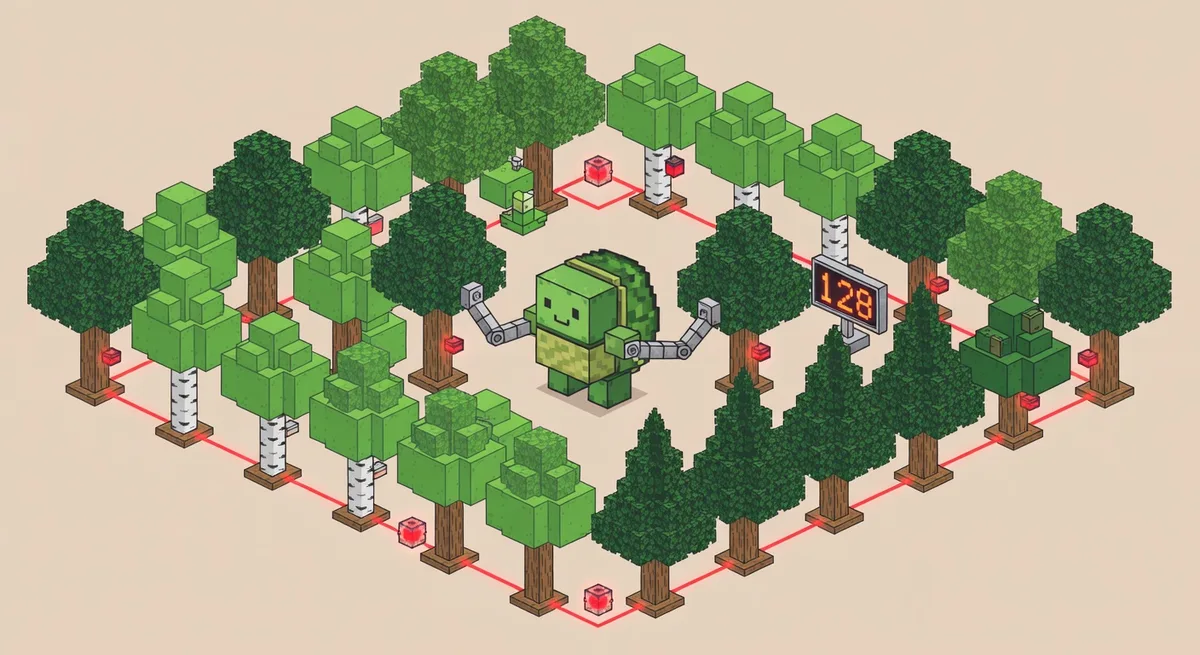
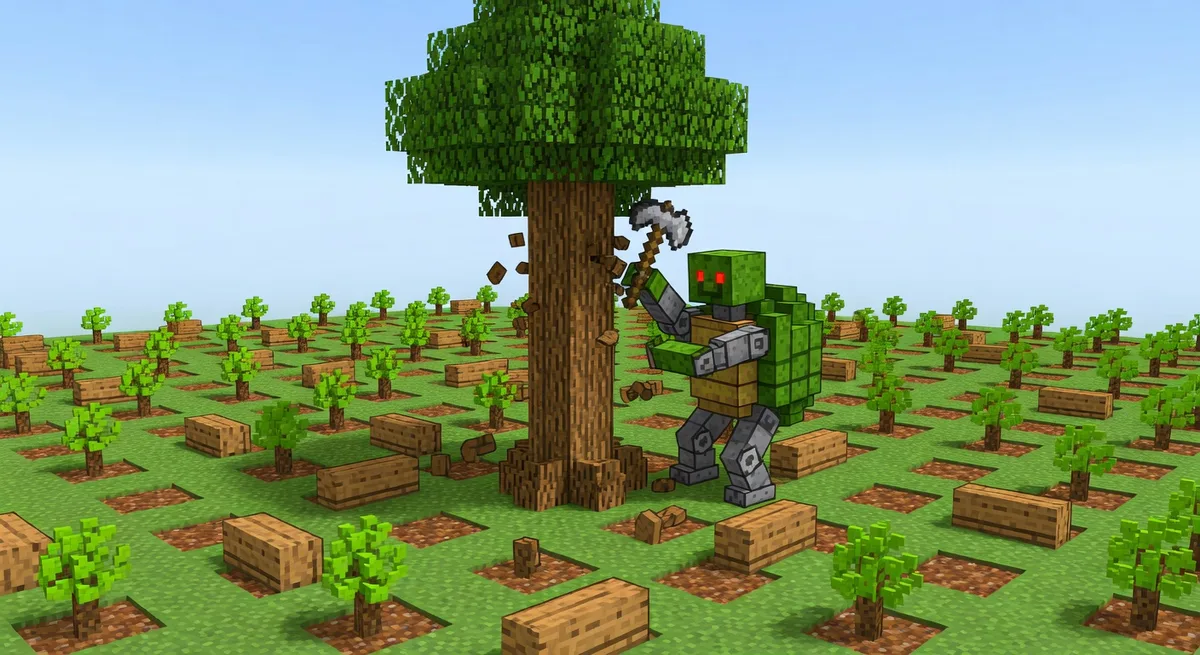
This versatile automated harvester program for ComputerCraft turtles handles a variety of plants that grow from a source block, such as melons, pumpkins, bamboo, kelp, mushrooms, and nether vines. It offers flexibility in farm shape and size, and can create a startup file for automatic booting when the game loads.
Setup
You'll need a fueled turtle (farming or advanced) placed at the farm's home position, with optional chests for item storage. Download the program in-game using: pastebin get ZVc6H649 aHarvester. Ensure the program is named "aHarvester" for auto-boot functionality.
Usage
Run the program with aHarvester [parameters]. Key options include:
notDown: Prevents harvesting downward (e.g., for bamboo farms).notUp: Prevents harvesting upward (e.g., for mushroom farms).minFuelxxxx: Sets minimum fuel level (replace xxxx with a number).critFuelxxxx: Sets critical fuel threshold.n1: Waiting time at home position.n2: Maximum number of turns.noCannibalism: Prevents turtles from harvesting each other in multi-turtle setups.
The turtle will harvest the area, return home, and optionally deposit items into a chest below.
Tips
For auto-booting, the program generates a startup file—demoed in the video at 26:00. Use noCannibalism for multiple turtles to avoid interference. Watch the video for farm building examples and parameter details.